A good virtual drive begins with character: the little pause as a car changes direction, the sound of an engine climbing toward its shift point, the pleasure of taking the long way around. If your search for driving game driving is really a search for that feeling, start with Forza Horizon 5 for open-road exploration, Gran Turismo 7 for a curated celebration of cars and circuit driving, or Assetto Corsa for a more demanding simulation. Each offers a different kind of connection to the automobile.
The right choice depends less on which game has the longest car list than on what you want to do after you select one. Do you want to cruise through scenery, learn a track, or explore the history of a favorite marque? Here is where I would begin.
Choose the experience before the car
Forza Horizon 5 suits the driver who wants freedom without a long apprenticeship. Its open-world setting encourages road trips and casual exploration alongside organized events. The handling can be adjusted with assists, making it approachable with a controller. It is a lively festival of cars, not a substitute for a quiet Sunday drive, but the freedom to wander is a considerable part of its appeal.
Gran Turismo 7 is a natural choice for someone who enjoys the presentation and history of automobiles as much as competition. Its structured progression, circuit focus, and attention to car culture reward a more deliberate approach. It is a PlayStation game, so platform choice may settle the matter before you even consider the garage.
Assetto Corsa is worth considering if you are drawn to vehicle dynamics and have patience for a steeper learning curve. It is especially appealing on PC, where a substantial modding community adds possibilities beyond the base game. Mods vary in quality and can require extra setup; use trusted sources and check compatibility before installing anything. For driving game driving enthusiasts who want to study how a car responds, that extra effort can be part of the attraction.
These are distinct products, not interchangeable versions of the same idea. Check each game's supported platform, included content, and online requirements before buying. Editions and add-ons can change what is included, and a favorite car or circuit may not be part of the base purchase.
Match the controls to your ambitions
A controller is a sensible place to start. Modern driving games generally offer steering and braking assists that make a handheld controller usable without demanding a perfect touch. Begin with moderate assists, then change one setting at a time. If the car feels nervous, look for steering sensitivity and controller dead-zone adjustments before blaming the vehicle.
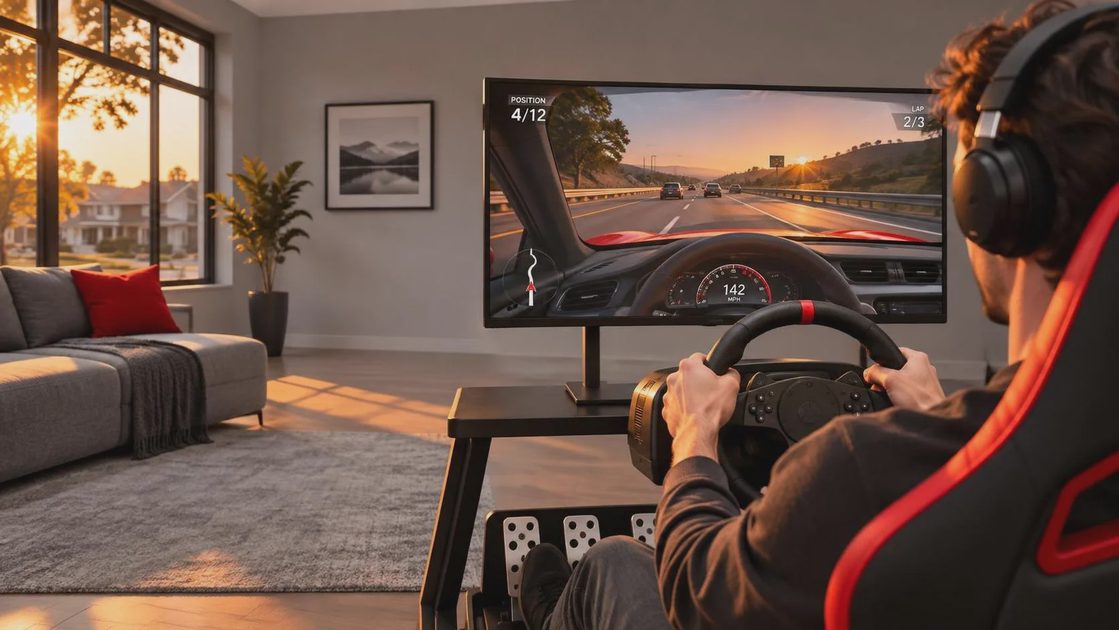
A wheel and pedals can make driving game driving more involving, especially when the game supports force feedback. A compatible force-feedback wheel can send information about steering load and road forces through the rim, though what you feel depends on the game and its settings. A wheel without force feedback can still provide physical steering, but it cannot communicate those forces in the same way.
Before spending money, check compatibility with both your platform and the specific game. Logitech's G-series wheels and Thrustmaster's racing-wheel range are established places to start comparing options. Look at whether pedals are included, how the wheel mounts, and whether the setup will fit where you play. A sturdy desk and a chair that does not roll away under braking can matter more than an ambitious list of accessories.
A manual shifter and clutch pedal add another layer for those who love older cars. They are not essential for learning a circuit, and not every virtual car uses that arrangement. Buy the controls for the experience you actually want, rather than assembling a cockpit around a fantasy of what a serious player should own.
How to make virtual driving feel more natural
In driving game driving, smooth inputs usually reveal more than frantic corrections. Choose a familiar car, find a quiet route or practice session, and brake in a straight line before a corner. Ease off the brake as you turn, then feed in the throttle as the car settles and the road opens. If you accelerate too early, the car may run wide or the driven wheels may lose traction.
Try the same corner several times instead of chasing a lap time immediately. Notice where you begin braking and whether you can see the exit before adding power. Once the sequence feels consistent, move your braking point gradually. The aim is not to imitate a professional racing video; it is to understand what each input asks the car to do.
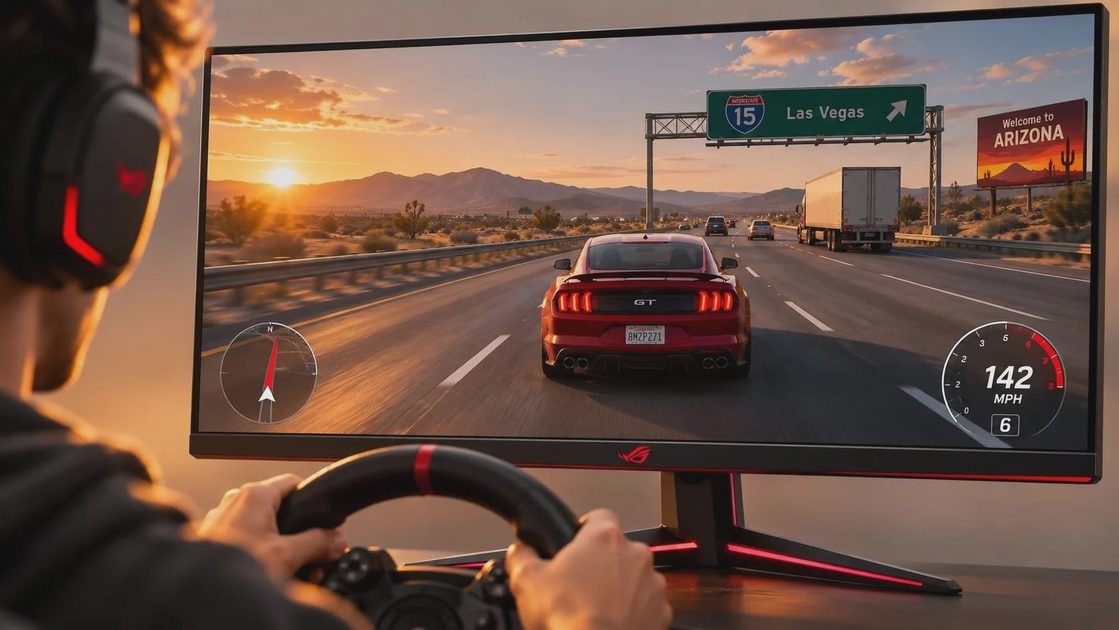
Assists are tools, not a measure of character. Anti-lock braking and traction control can help a newcomer concentrate on the road, and many real performance cars use electronic aids too. Lower an assist only when you want to explore the difference. If removing it makes every session frustrating, turn it back on and keep learning.
Heritage Note: Why the virtual garage matters
A convincing garage can introduce a player to the family tree behind a badge. The Mazda MX-5 Miata, for example, carries the spirit of the lightweight roadster into an era of modern reliability and safety expectations. The Porsche 911 has evolved through generations while retaining its distinctive rear-engine identity. Neither story is captured by horsepower alone.
Driving game driving offers a useful way to compare those ideas: select a light roadster and then a more powerful rear-engine sports car, using the same circuit and conditions where the game allows it. Pay attention to how each responds to braking and acceleration. The differences will reflect the game's model and setup, not a laboratory measurement of the real cars, but they can give you a better question to ask about the engineering.
That is what keeps a virtual collection interesting. A beautifully presented dashboard or a recognizable engine note can lead you toward the real vehicle's design history, racing record, or place in an enthusiast community. Every car has a story; the screen can be an invitation to learn it.
What to check before you settle in
For solo driving game driving sessions, confirm that the modes you want can be played without a persistent internet connection. If you hope to race friends, check platform compatibility, online subscription requirements, and whether private sessions are available. A game with a wonderful car roster is less useful if your friends cannot join you.
Then consider your time. An open-world drive can be satisfying in a short session, while a simulation may ask for practice and setup before it clicks. Start with the platform you already own, choose the experience that fits your evenings, and leave room to grow. The best virtual garage is the one you want to open again.